Quickstart
Create a chronicle, add your first resources, and connect them. This takes about five minutes and needs nothing but a browser.
Create a chronicle
A chronicle is one world. It holds every resource, relationship, and timeline for that world. Open the app and create one from the chronicle switcher in the top-left.
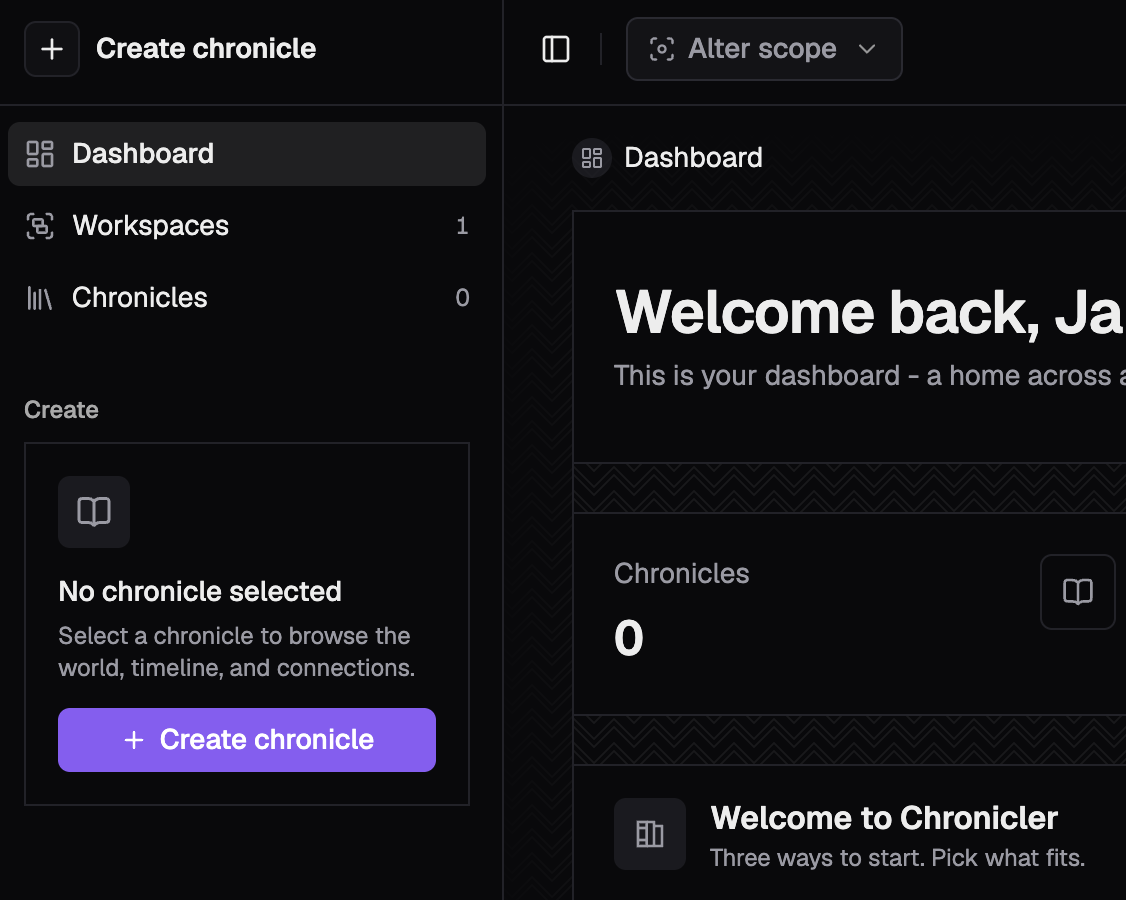 Create a chronicle from the sidebar chronicle switcher
Name it for the world, not the game
A chronicle outlives any single campaign. Name it after the setting, then run many campaigns inside it.
Add resources
A resource is any entity in your world: a character, a location, a faction, an item. Each resource is its own page with lore, attributes, and connections. Add a few from the "New" menu.
Kinds
Every resource has a kind. Chronicler ships common kinds, and you can define your own with their own schemas and attributes.
Connect them
Draw a typed relationship between two resources. Both ends see the link, and the graph stays queryable. Most authors do this in the app, but the same task is one API call when you want it.
Connect two resources
- Open a resource, such as The Lector.
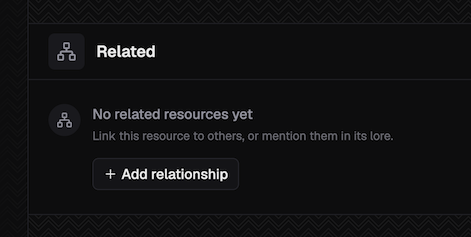
- In the Related panel, choose Add relationship.
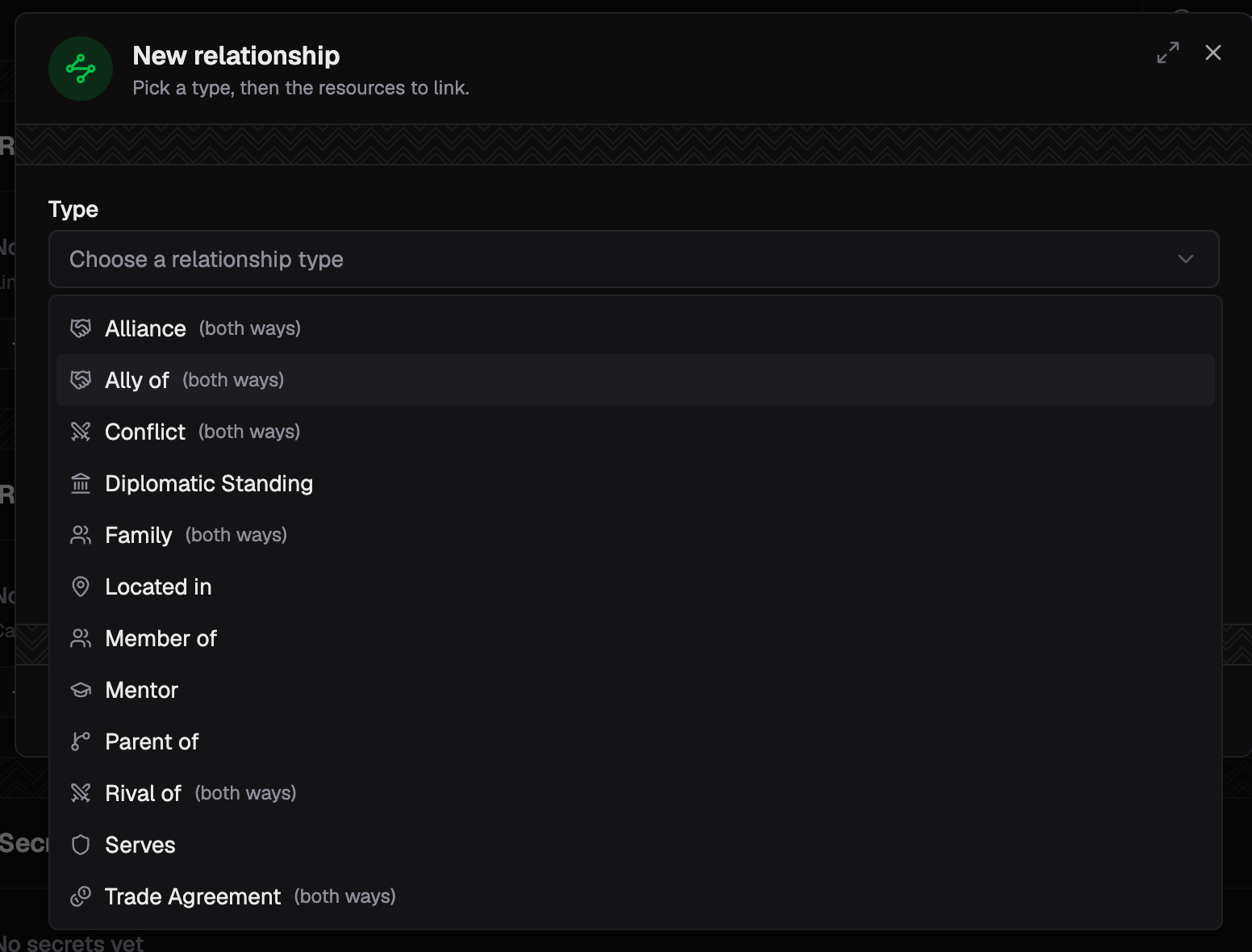
- Pick the relationship type, ally of.
- Search for Aldric, then confirm. Both pages now show the link.
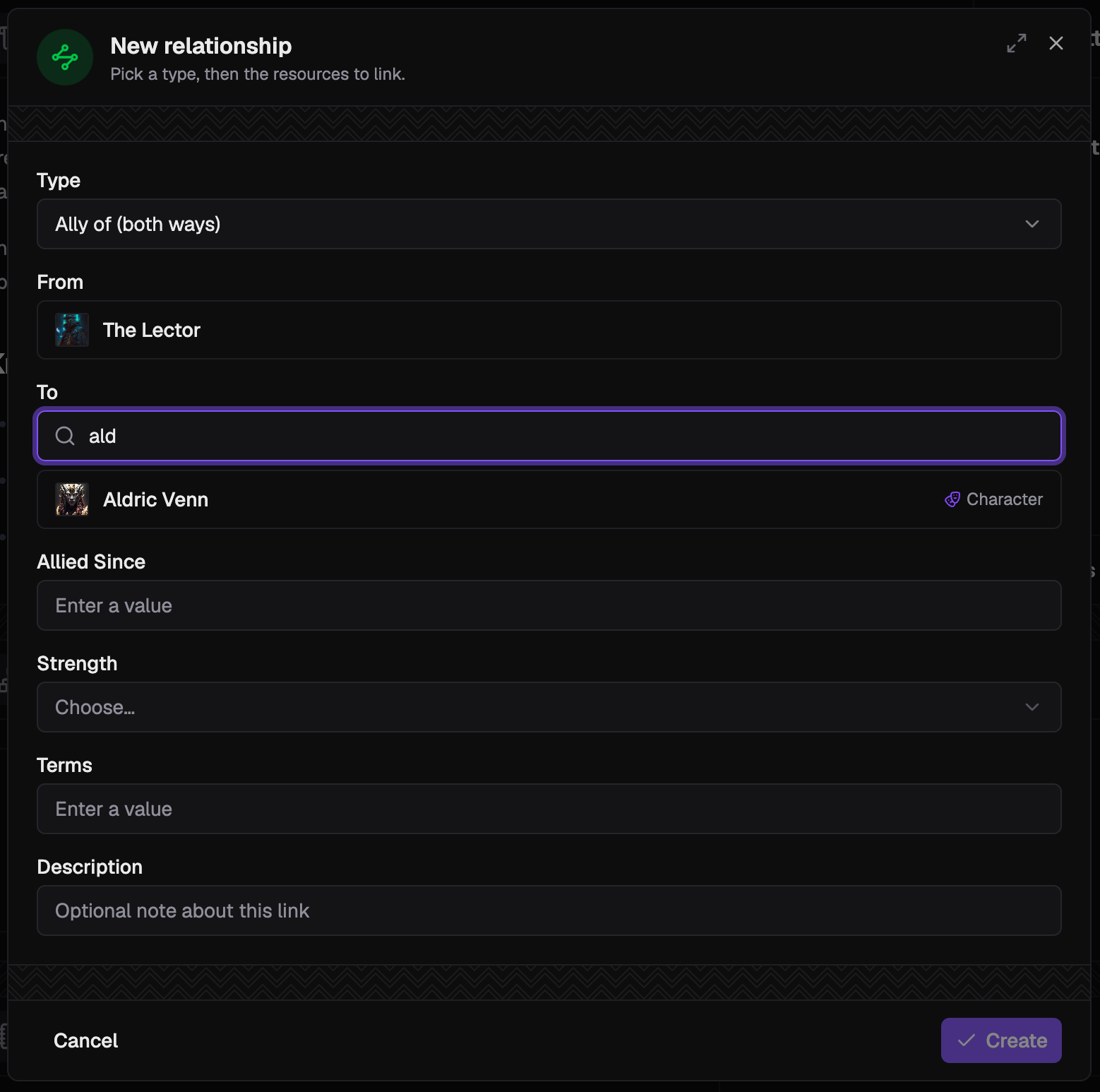
- If the relationship kind contains additional attributes - data attached to the resource - fill them in as you'd like.
Relationships are typed
A relationship carries a type from your taxonomy, such as ally of or member of.
Author the type first - or use one of the provided demo schemas - then connect resources with it.
Next steps
- Build a timeline in Chronology.
- Start a campaign and reveal lore to players on cue.
- Generate a typed client for your language in Typed clients, then drive all of this from the API.